

 Get Some Help for Ministry Reimbursements
This post is for Cru staff only.
The MinistryCard/StaffCard teams have lots of help for you.
When you log in to the StaffWeb to clear your card, you’ll see some changes.
- Notice the dropdown next to the Concur icon. Click through these to see what they are. (Click on the Concur icon or choose “Home” in the dropdown to return to the start.)
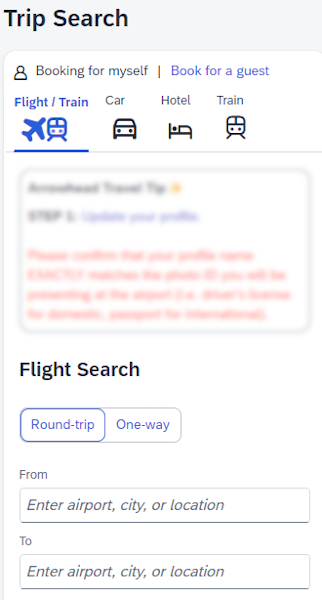
- You’ll notice travel information linked to the page’s left side. It looks like the following screenshot. (I’ve blurred part of this image.)
- If you don’t have TripIt already, choose the TripLink dropdown and sign up.
- I already had a personal TripIt account. The folks at Arrowhead Travel helped me link it up with TripIt Pro now offered by Cru.
- Notice that the Company Notes has a “Read more” tab. Click that.
- You’ll see more information about travel booking and Arrowhead Travel’s contact information.
- It’s also worth checking out the Receipt Policy 2024 Update.
- Click on their Flowchart link for help with new receipt policies. Here’s a blurred image of the flowchart. Log in to Concur and get the real deal for yourself.

NOTE: Photo by Kelly Sikkema on Unsplash
 eQuipping for eMinistry