

The End-of-Year Ask (EOYA) has been a part of my rhythm for decades now. (You’ll find lots of tips on EOYA here on eQuipping for eMinistry.)
Due to a full calendar of medical and dental appointments, I used AI prompts several times to explore different appeal strategies. I looked for the best options to reconsider our timeline, streamline my name selection process, and encourage new types of donations.
Even if you don’t have a time issue, you’ll find several great tips in this post. So, let’s get started. (Links with an asterisk* will only work for Cru staff.)
How to Be Effective: Launching Your Best Fund Appeal in a Time Crunch
A Countdown for Your EOY
Rethinking Our Timeline 📆
After several AI prompts, I determined:
- Email is an excellent alternative for sending appeals, especially when you’re under constraint.
- Several dates work very well for an end-of-year ask.
- Texting is not recommended for fundraising unless you have obtained specific permission from an individual.
Here’s an outline of what to do.
Pray about the content of your letter and who to ask.
Please include “Smarter Generosity” on your give site and in your ask letter/email. (Keep reading!)
Prioritize who you will ask. You might only be able to approach your top two priority ministry partner segments this year. That’s okay.
Include “Address Service Requested” under your return address on all your December appeal envelopes. USPS will forward your appeal to a new address. You’ll pay to receive a notice with the change of address.
Include links to give to your ministry account and through “Smarter Generosity.”
Follow a timeline for your ask and follow-up.
Send thank-you notes promptly. If you need to delay a written response, send a quick thank you by text or email and write as soon as possible.
People are busy and need reminders. You aren’t “bugging” them. I’ve done one December email reminder in the past. I’ll try two this year. I’m uncomfortable with more than that.
Each reminder differs from your original ask request.
- The mid-December reminder can be about donating before the end of the year for tax purposes.
- In the final days of the year, your email will serve as an update on your progress toward your goal and an encouragement to donate before December 31.
I’ll share a link to your timeline options in the how-tos at the end of this post.
Using RFM to Simplify Segmentation💻
During my research, I discovered about RFM (Recency, Frequency, and Monetary Value). The chart shows RFM segments with generalized recommendations. Use the chart to prioritize who you will ask and how you will approach them. These are guidelines. We’ll be sending more emails than the following chart indicates.
Start with your top priorities. Depending on your time constraints, consider adding more segments.
| Segment | RFM Profile | Appeal Type |
| Major Donors | High R, High F, High M | Letter with handwritten note: ask for a large donation |
| Loyalists | High R, High F, Low M | Letter (handwritten note for larger amounts) |
| Prospects | High R, Low F, High M | Letter or email focused on impact |
| Lapsed | Medium R, Any F, Any M | Impact-focused email |
| New Donors | High R, Low F, Low M | Soft appeal email focused on mission and engagement |
Whenever possible, use a merged name and amount.
Mike and I also do a “soft ask” to our remaining ministry partners. It’s a prayer letter version of our ask. We change our fund appeal ask to a request for prayer. We enclose a form for them to send us their prayer requests. Often, two or three people will enclose a check.
Ask Strings
For major donors, ask for a specific amount (include a handwritten note). A specific ask is more personal. For new donors, request the same amount as their first initial gift. For all other donors, use “ask strings.” If you ask for one amount, they may respond with “all or nothing.”
Use an AI prompt for calculations to determine an ask string. Each donor type has a specific formula, which involves a lower amount, then the amount your ministry partner gave before, and a higher amount. In general, the ask string is calculated on the largest donation for loyalists and prospects. For lapsed donors, use their most recent gift as the basis for calculating their ask string.
Experts recommend low-to-high ask strings over high-to-low ask strings. Don’t send your ministry partner into sticker shock.
Deciding between Paper and Email
According to my prompt on Google’s Gemini, direct mail feels personal. People may leave it out to see again. Email is a cost-effective way to provide an easy click-through to make an online donation.
Direct Mail is for:
- Major donors (personalize, with hand-written note)
- Loyal, long-term donors (make sure you express your gratitude in your letter)
- Lapsed donors (lapsed within 18 months or have given a high lifetime amount)
- Older donors or donors without an email address
- Prospects
- Donors who prefer direct mail
Email is for:
- Recurring donors
- First-time donors
- Younger donors (Millennials, Gen Z)
- Lapsed donors (one-time or lower-dollar donors or lapsed longer than 18 months)
- Engaged non-donors (a low-cost way to test their interest)
- Donors who give online
Consider whether you want to send emails out on Giving Tuesday. Giving Tuesday has become a very popular (and crowded) time to send. I want our emails to land a few days later so they have a better chance of being seen and read.
Mailchimp
I took the time to discover which people may not be opening our Mailchimp prayer letters. I will either email them directly or send a printed letter by mail. I recommend the letter because it might be the only way you’ll discover if someone has moved.
Send merged emails through Gmail’s built-in Mail Merge feature. Discover the steps by doing a Google Gemini prompt: “What are the steps to do a mail merge through Gmail?”
Outlook
Outlook will also merge with Word and Excel. Again, use a prompt and then follow the steps.
Smarter Generosity 🎁
I wanted to ensure that our ministry partners are aware of alternative ways to donate to our ministry beyond their checking accounts. (This will be the subject of our mid-December reminder email.)
The Cru Foundation is encouraging Cru staff to inform their ministry partners about “Smarter Generosity.” Your ministry partners can give more strategically through IRAs, DAFs, and other tax-advantaged vehicles.
- This Workvivo webinar on EOYA Strategic Generosity* also includes links to resources.
- On e4e, learn how to add “Smarter Generosity” wording to your give site: Update Your Give Site for Smarter Generosity.
Are any donors over 70? They may want to donate through their IRAs.
Smarter Generosity Graphics
Please use the Smarter Generosity graphics provided by Cru Foundation.
December, as you know, is the biggest giving month. The last few days of December are the highest days of giving. It’s a prime time to use the Smarter Generosity graphics on all your appeal letters and emails. Gifts to Cru from donor-advised funds (DAF) increased 53% last year.
I’m including an explanation for the graphic in our appeal letters and emails because the UPC takes your ministry partner to “More Ways to Give.” If they go to that page, you will want them to note down your name and account number first.
The last two graphics on this page of resources* were specifically designed for EOYA and non-cash giving.
- The longer, narrower graphics work best for printing and won’t work as well in an email.
- I sized the only squarish graphic specifically for email and Mailchimp. I posted a comment on the email version of the graphic, so you’ll find it.
If you use the Smarter Generosity graphic* in an email, have the image link to https://give.cru.org/more-ways-to-give.html. (See How to Make a Clickable Image for Emails and Mailchimp.)
I’m using the narrow graphic on our printed appeals and the email version on our email ask and all reminders. I’ll probably not use them again until our summer fund appeal, so they stand out.
Launch 🚀
Don’t let a “Thanksgiving deadline” put pressure on you. Do your best with what works for you. Fewer names? A larger window of time to work with? A manageable amount of personal letters coupled with a higher volume of emails?
Because of your time constraints, you are focusing on prioritized segments. Spread them out instead of focusing on a deadline.
Follow-up 📌
We send a Christmas card or email as a gentle reminder of our ask.
Keep track of who has responded. You’ll be doing reminders in December only to those who have not yet given.
If you only have time for one email reminder in December, Google Gemini chose Tuesday, December 23, 2025, at 2:00 P.M. Here’s why:
- December 23 is the last weekday before Christmas. This date gives your email a chance to be seen before your financial partners take time off for the holidays.
- Tuesday is the best day of the week for high email open rates.
- 2:00 P.M. is a time of day that often sees high engagement.
How-tos for You 📝
- The first timeline in this spreadsheet outlines my tasks. I also created two variations that may better fit your time constraints.
- Include an emoji at the end of your subject line to increase open rates. Find emojis at Emojipedia.
- Read this post, Sending A MailChimp Reminder Email, so you know what steps to take to avoid sending a MailChimp reminder to someone who has already given.
My countdown has begun. Like me, you want to:
- Share your vision (and your need),
- Capture your ministry partners’ attention during a very distracting time of year, and
- Trust God for the results.
Let’s plan and pray, trusting God for His generous response to our efforts with EOYA tasks.
This post took me a considerable amount of time to research and write. I’m going to have to print up a copy of my timeline and get started. Adios. “See you” next year.
NOTES:
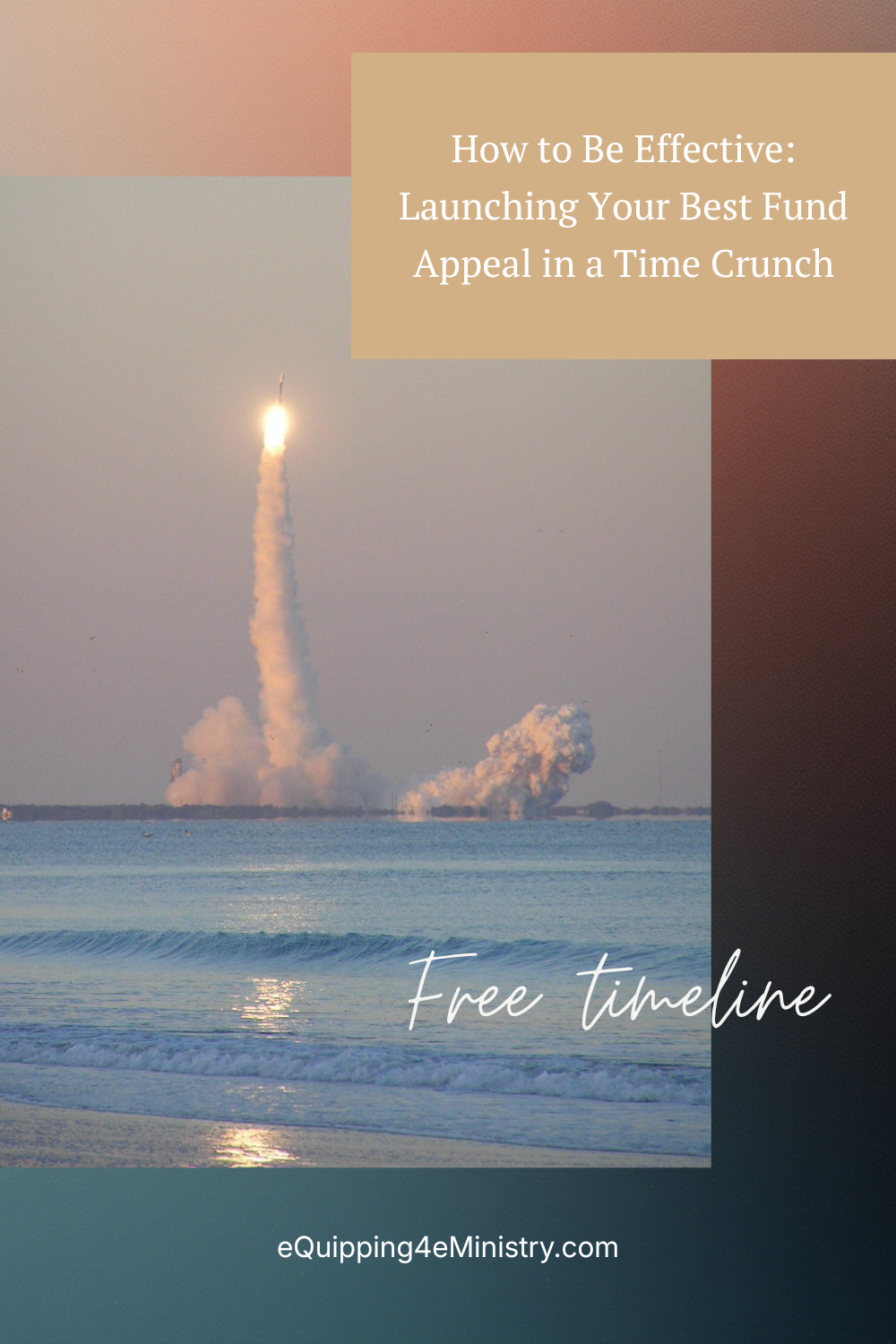
The two images for this post are from a rocket launch we watched in February 2007 at sunset.
- The image in the post is of a Delta II rocket launched from Cape Canaveral, Florida.
- The header image is of the contrail and boosters falling back to Earth.
 eQuipping for eMinistry